Build it.
See it.
Drive it.

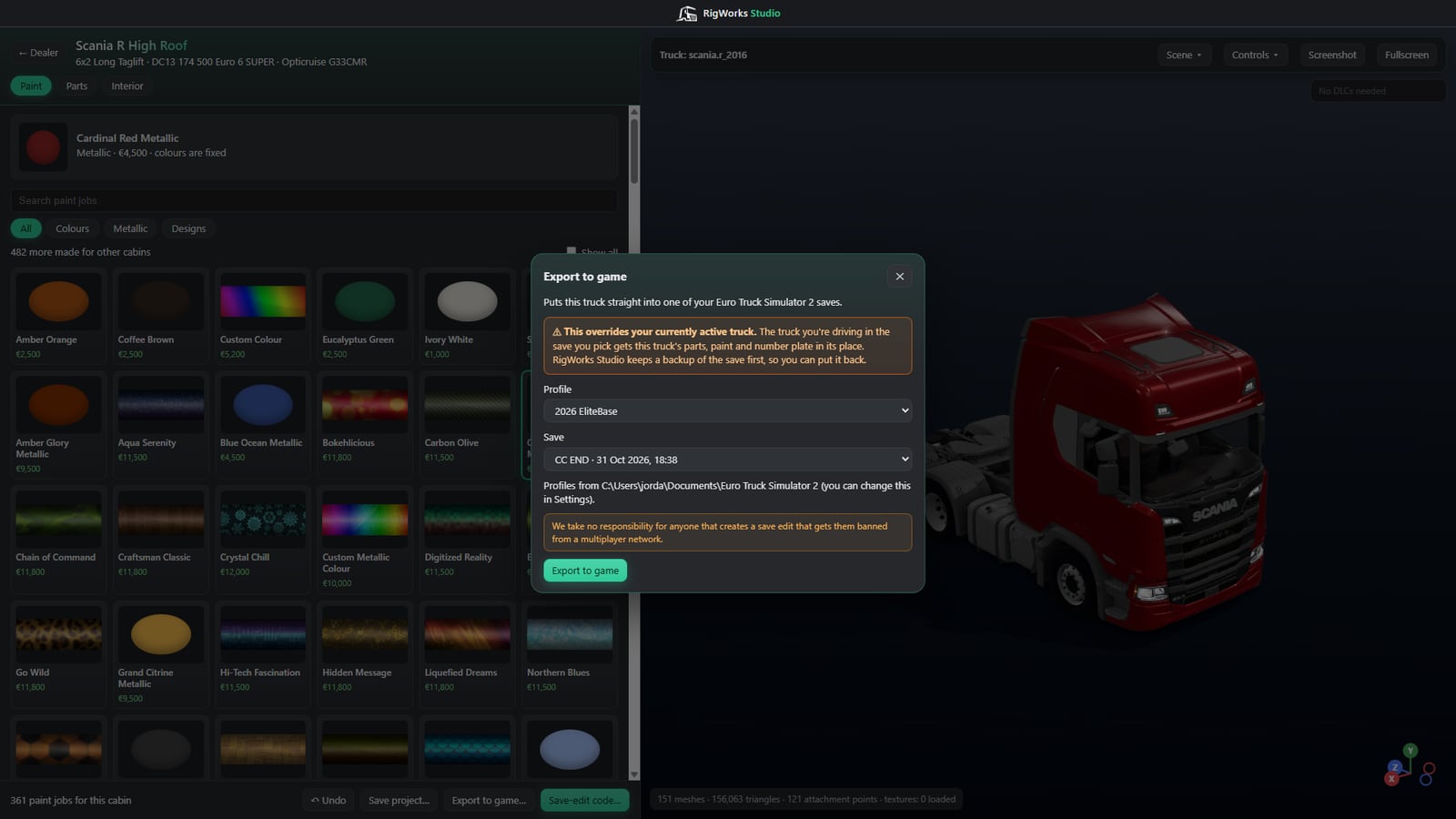
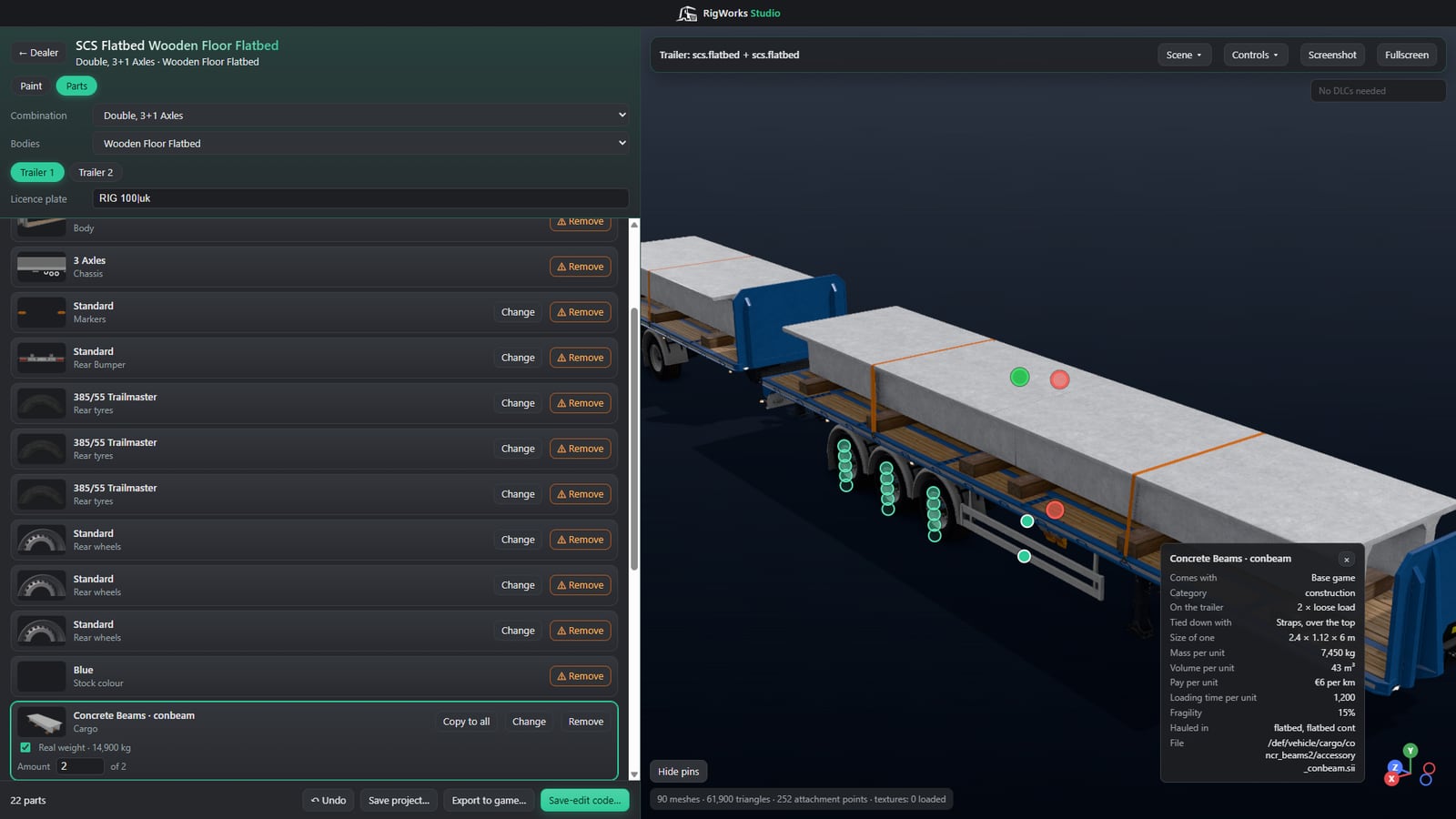
RigWorks Studio reads Euro Truck Simulator 2's own game files and rebuilds your truck or trailer in 3D. Change it outside the game, then send it straight back to your save.

Beta for Windows 10 and 11. You need your own copy of ETS2.

Three community trucks parked in a line: a pink and white Scania, a purple and grey Volvo and a purple Scania

Community trucks

Real builds, exported from RigWorks Studio. Grab one and turn it around.

Loading…

Drag to turn the truck. Click a truck at the side, or use the arrows, to bring it forward. Click then scroll, or pinch, to zoom.

Share your build on Discord

Inside the app

An orange DAF on the photo studio turntable with the paint list beside it

Rebuild a truck from your save and look around it, or browse every truck and trailer model in the game. Click any part for its name, price, icon and game files.

  • Photo studio with lighting presets, backdrops and a turntable
  • Working headlights, beacons, strobes, indicators and wipers
  • Night and rain, and screenshots up to 8K

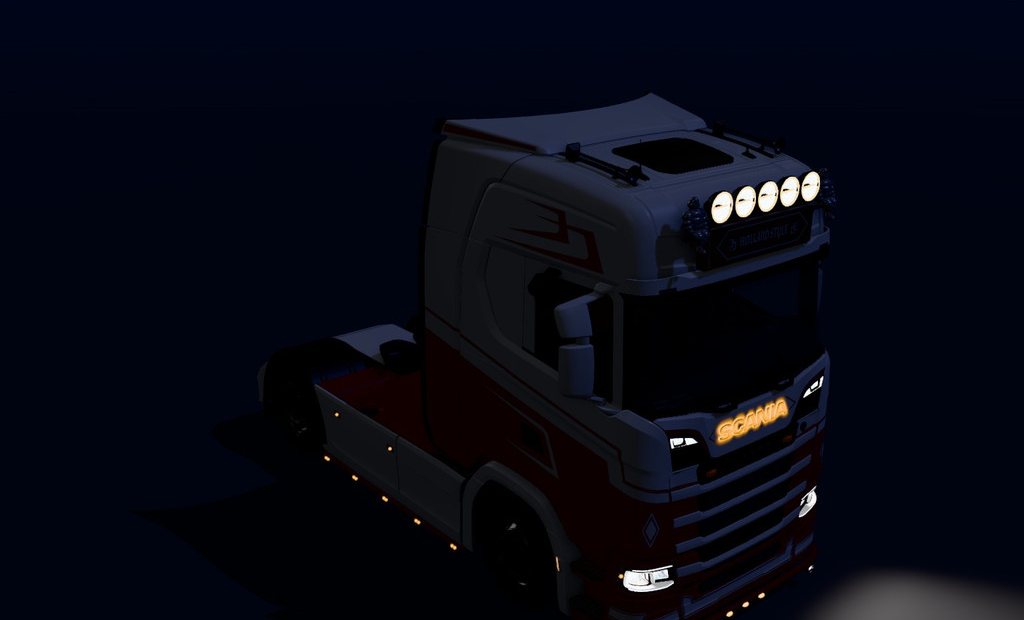
Lights on

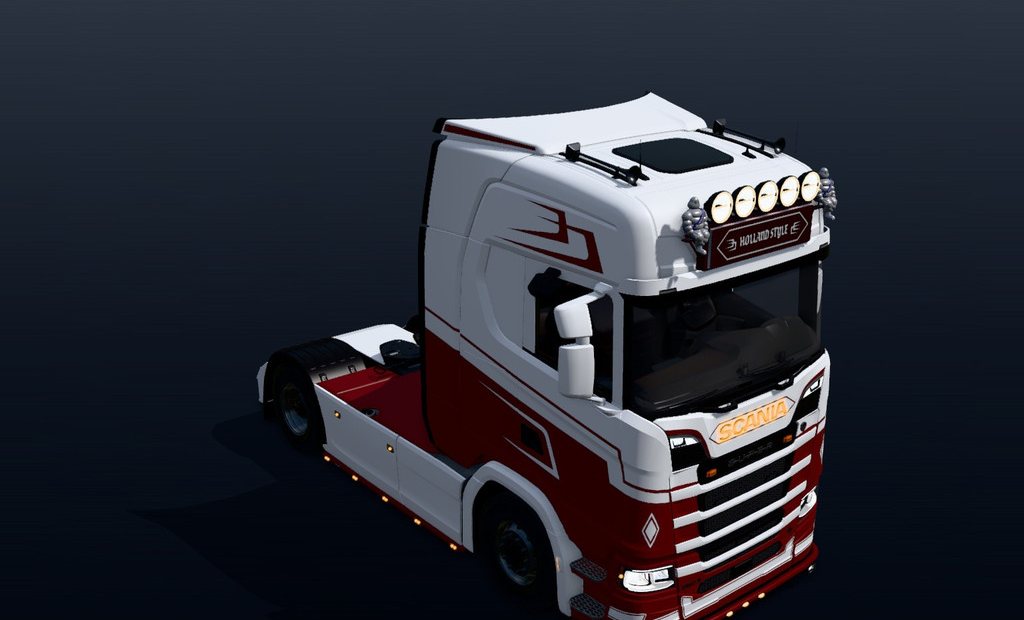
Same truck, same camera. Drag across to switch it to night, with every light working from the game's own files.

A white and red Scania in daylight The same Scania at night with its lights on

Four of the six main-menu scenes you can park your truck in.

Spec sheet

Export formats

FormatWhat you getBlender
.glbThe whole model and textures in one fileNot needed
.blendA Blender file with textures packed insideRequired
OBJOne mesh with colours baked into up to 5 texturesRequired

Requirements

System
Windows 10 or 11, 64-bit
Game
Your own copy of ETS2
DLCs
Picked up automatically
Blender
Optional, for some exports

Also included

Loading
Part lists are remembered, and one change only rebuilds that part
Updates
Automatic, with a changelog
Discord
Rich Presence shows what you're working on

Install

  1. Download the installer from the latest release and run it.
  2. Open RigWorks Studio. It finds ETS2 through Steam and picks up the DLCs you own.
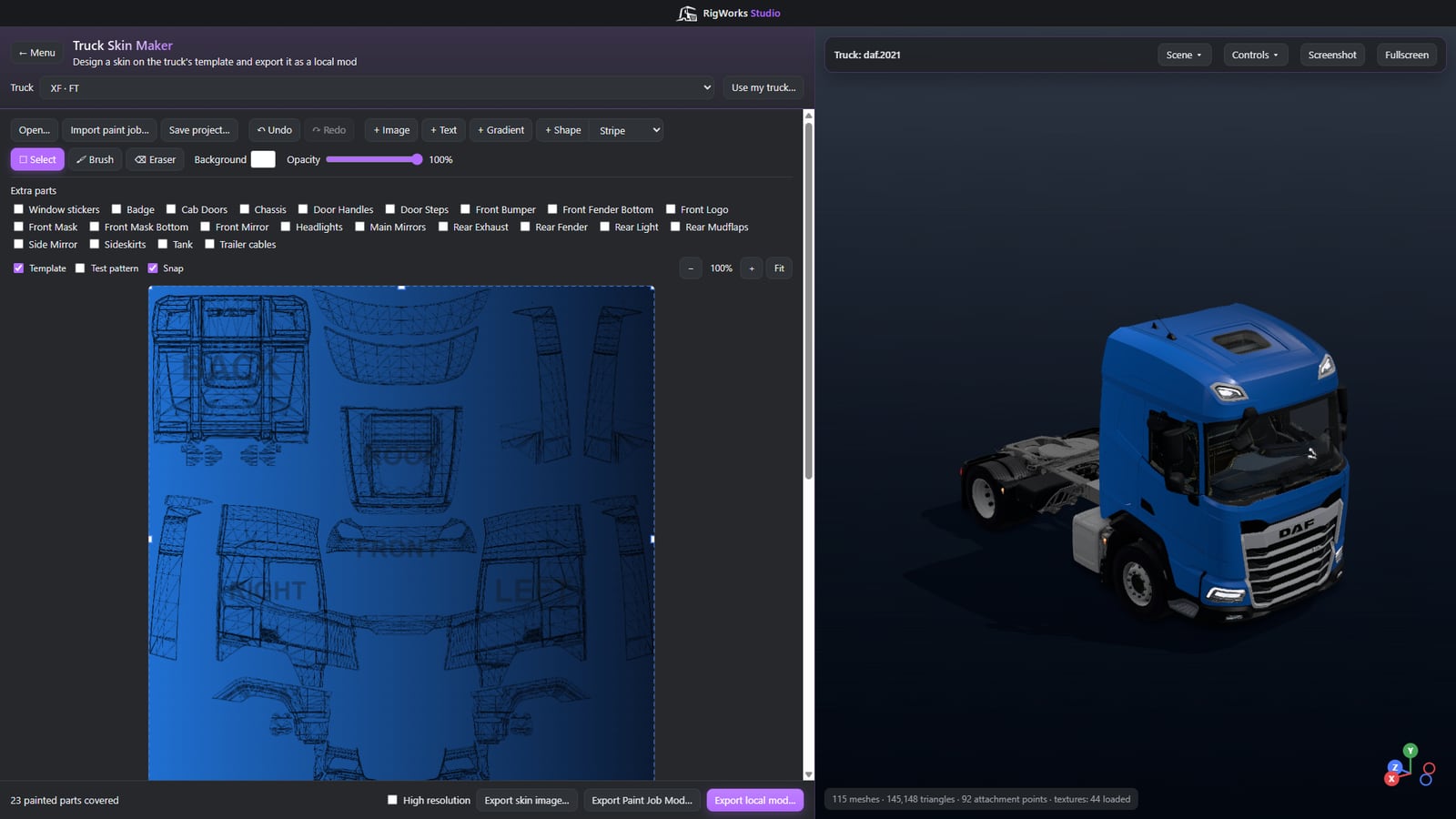
  3. Choose a builder, Render Mode or a Skin Maker on the start page.

Testimonials

FAQ

What happens to my save when I export?

Exporting replaces your active vehicle in that save. A truck replaces the truck you're driving, and a trailer replaces the trailer hooked to it and any behind it. A backup is made first every time, but keeping a copy of your own is still worthwhile.

Can I use it with the game open?

Yes. After exporting, load the save from the game's menu, and don't save over it from the running game.

Are mods supported?

Mods aren't supported in the builders. Parts from mods appear in the build report instead, and parts are only available from DLCs you own.

Are the Skin Makers stable?

Local modding is highly experimental and may be removed in a future update if it causes too many issues. A skin built from your own truck only fits that exact setup, so changing a skinned part means exporting it again.

Is it safe to use on multiplayer?

We take no responsibility for anyone whose save edit gets them banned from a multiplayer network.

Is this made by SCS Software?

No. RigWorks Studio is a fan-made tool. It is not affiliated with or endorsed by SCS Software.

Download RigWorks Studio

Currently in beta. Made for the ETS2 community.